Press kit
PortalPrep gets your photo or document exactly right for the specific thing you’re submitting it to — verified specs, not guesswork, entirely on your phone.
The story
A solo developer got tired of government and corporate portals rejecting files over fine print nobody reads, and built an offline tool that actually knows the rules — no ads, no tracking, no subscription, and one small one-time purchase for the feature that actually needs to exist: redacting sensitive numbers before a document is shared.
What it does
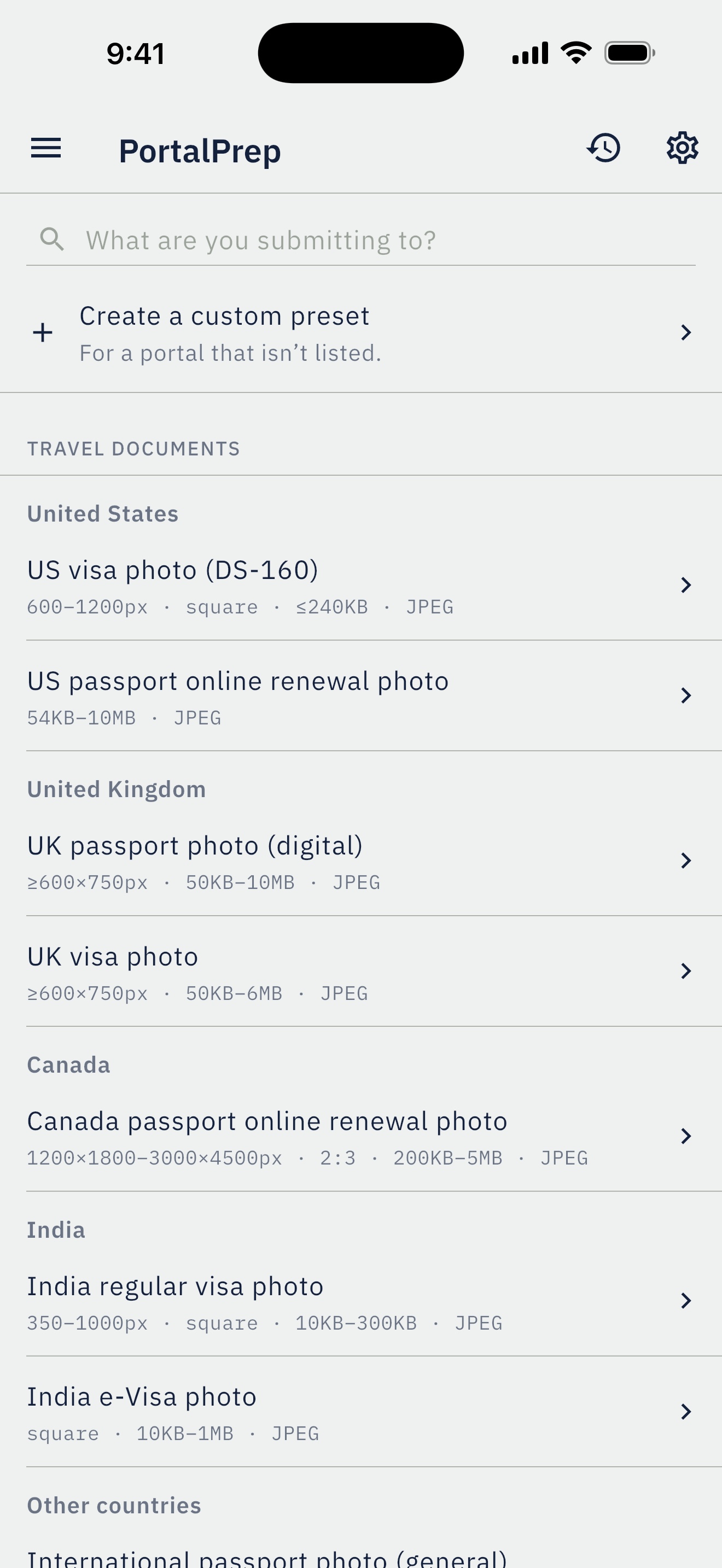
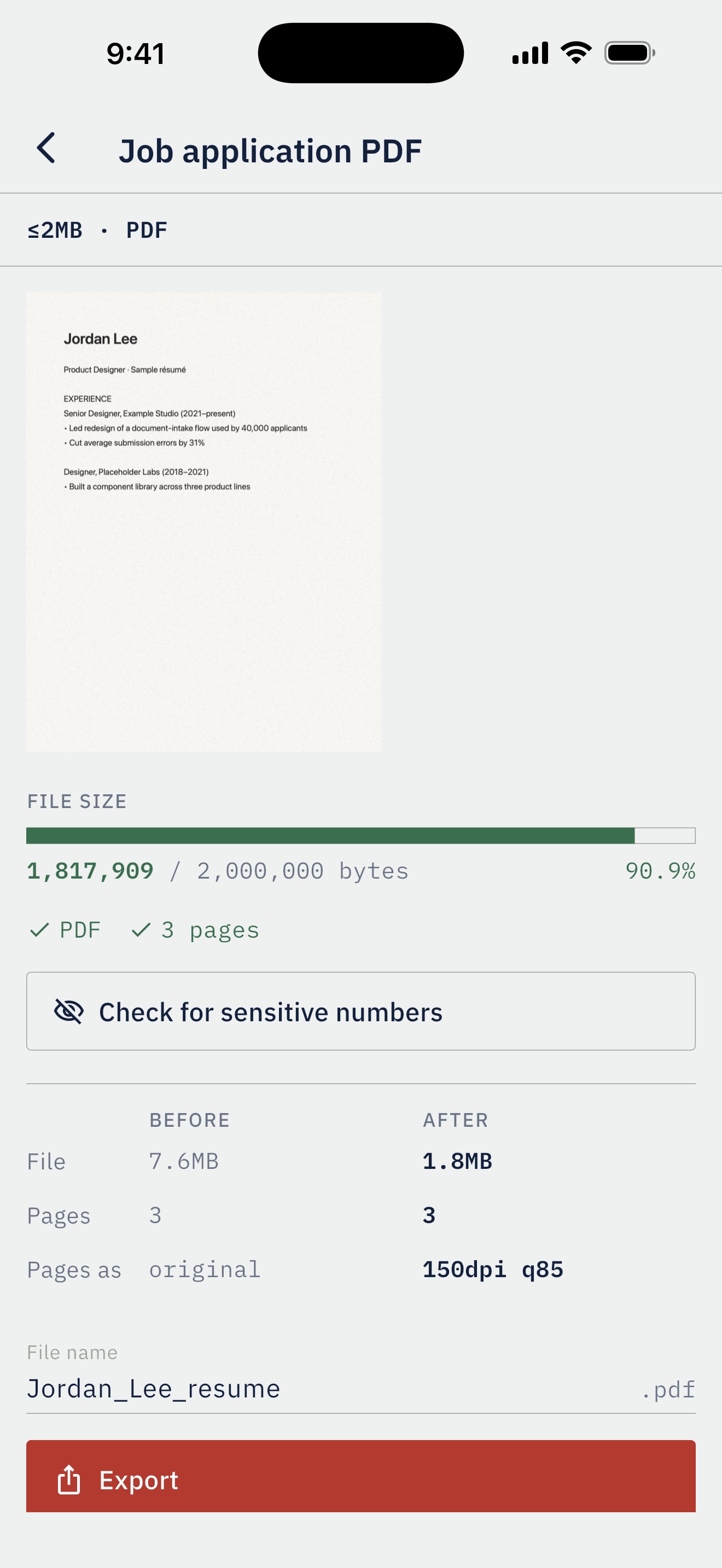
- Named presets with specs taken from the official pages — US, UK, Canada and India visa and passport photos, plus a general international fallback, an exam photo and a job-application PDF — instead of a generic size slider.
- Enforces the rules that matter: a landscape photo on the UK visa preset is refused because gov.uk requires portrait; Canada is cropped to its exact 2:3 ratio; a photo too small for India’s minimum is caught.
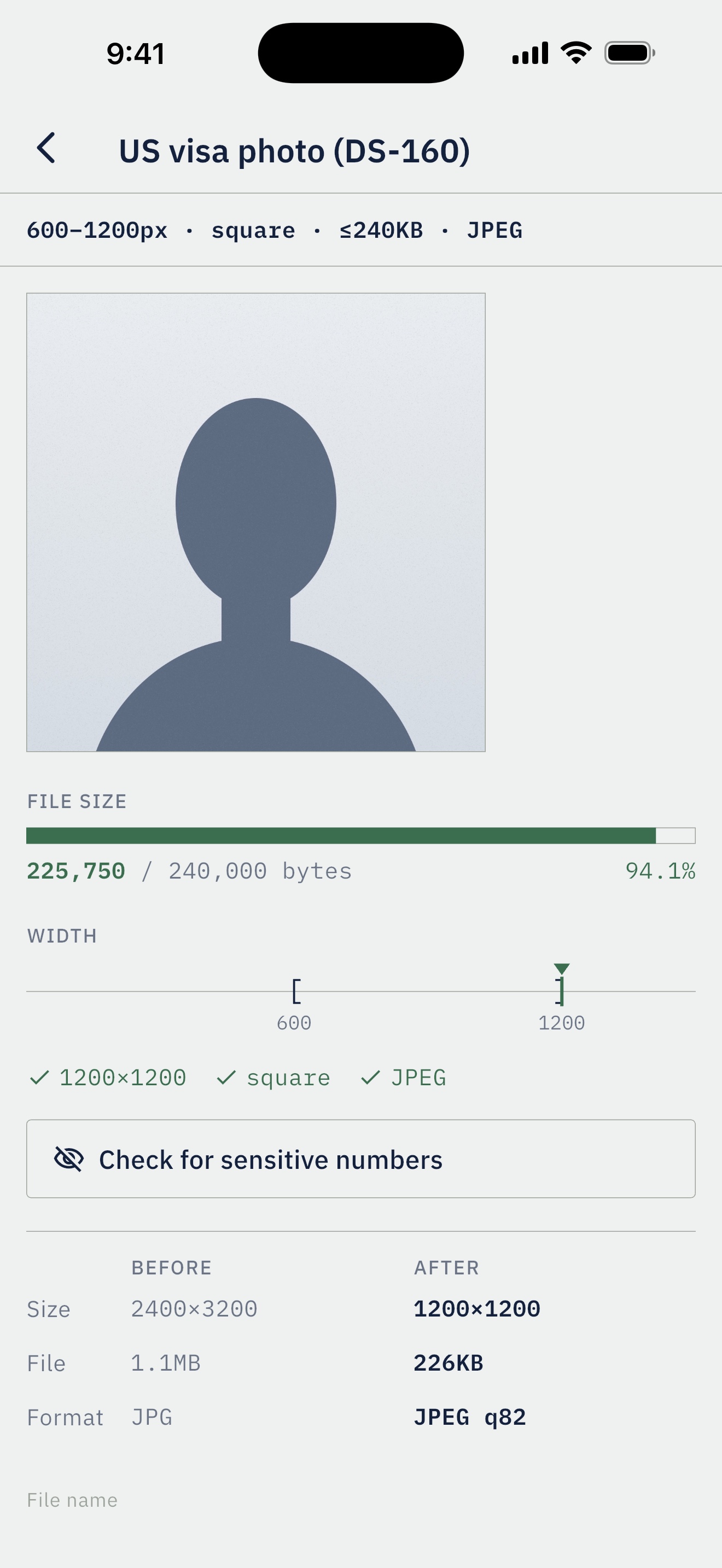
- Never alters how a photo looks — no smoothing, no AI background replacement, no lighting changes. It only resizes, crops and compresses, which matters because the US State Department doesn’t accept passport photos changed with software, filters or artificial intelligence.
- Redaction that finds card numbers (checked with the Luhn algorithm) and SSN- and account-shaped numbers, then rebuilds PDF pages as flat images so the hidden text is actually gone.
- A live gauge showing exactly how close a file is to its limit.
- Splits a PDF that can’t fit under a limit into the fewest files that do, instead of just rejecting it — not offered by the passport-photo apps we found.
- 100% on-device: no account, no analytics, no server. A free companion website does the same photo resizing in the browser without uploading anything.
Key facts
- Developer
- Sobur Fagbenro, independent
- Platforms
- iPhone, iPad and Android — coming soon to the App Store and Google Play
- Price
- Free; a one-time unlock ($6.99 in the US, lower in many countries) adds custom presets, redaction and unlimited history. No subscription, no ads.
- Data
- None collected. Files never leave the device.
- Website
- portalprepapp.com
- Contact
- [email protected]
Icon and banner


Icon: 1024×1024 PNG, light and dark. Four corner brackets — the same mark as the app’s size gauge.
Screenshots
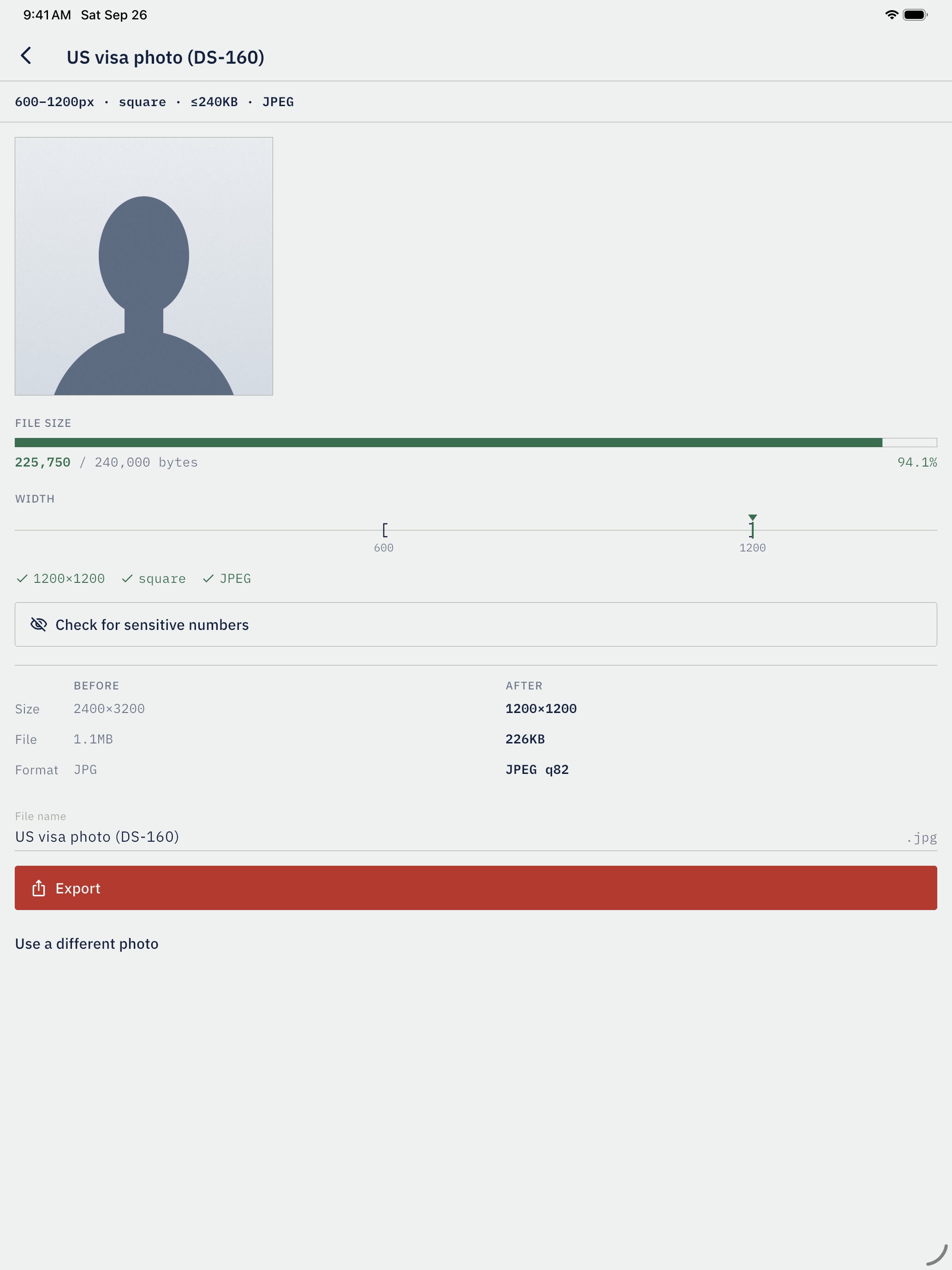
Full-size originals (iPhone 1320×2868, iPad 2064×2752) — select an image to download it. The sample portrait is a drawn silhouette and the résumé is fictional.